Compress Image icon Compress Image · Chrome & Edge extension

Compress image size without losing quality — right in your browser

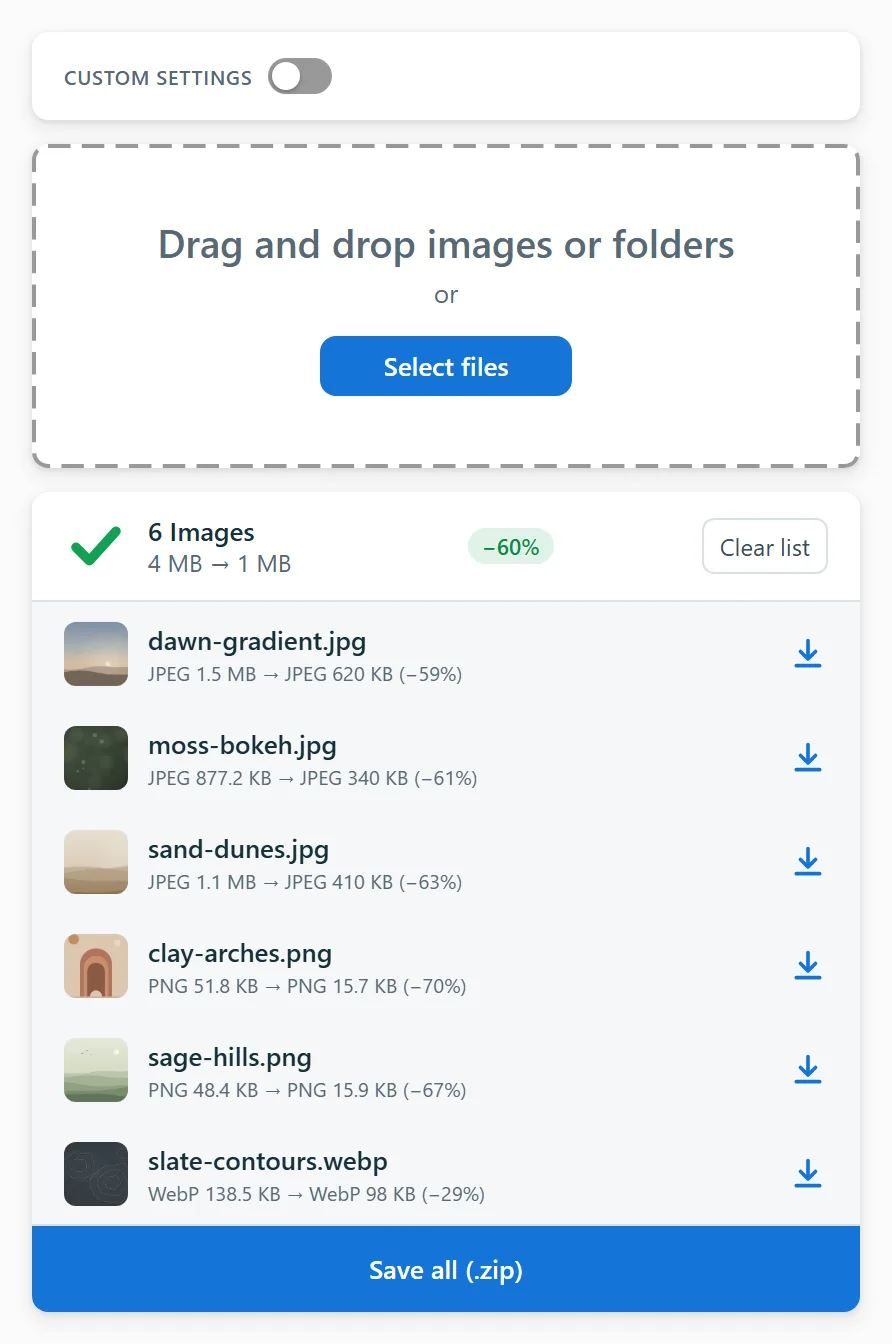
A photo compressor and image size reducer that runs entirely on your device: nothing is uploaded and nothing is stored on a server. Drop pictures into the side panel and get smaller copies in seconds — typical savings are 30–70%.

  • Free
  • No sign-up
  • Works offline
  • PNG, JPEG, WebP, HEIC, AVIF, GIF, BMP
Compress Image side panel: a drag-and-drop zone and a list of six compressed photos, 4 MB down to 1 MB, with a Save all as ZIP button

How to compress an image in a couple of clicks

  1. 1Add the extension to Chrome or Edge.
  2. 2Click the icon to open the side panel.
  3. 3Drag and drop your files there.
  4. 4Save the results one by one or as a ZIP.

No manual sliders and no guesswork. The engine picks every setting automatically, so you can compress images without losing quality: a perceptual metric compares each candidate with the original and keeps only the version your eyes cannot tell apart.

One photo compressor for PNG, JPEG, WebP, HEIC and more

Every format you'll meet is handled by the engine that suits it:

  • PNG — smart palettes and dithering
  • JPEG and JPG — the modern jpegli encoder, straight from a camera or messenger
  • HEIC photos from an iPhone are converted to a lighter JPEG
  • WebP and AVIF — re-encoded in their own format
  • Animated GIF and WebP — detected and kept intact

Need to compress image size for email, a website or a strict upload form? Typical savings reach 30–70%, and the compression is honest: when a file cannot be made smaller, the original is returned untouched, so nothing ever gets bigger.

PNG JPEG WEBP HEIC AVIF BMP GIF
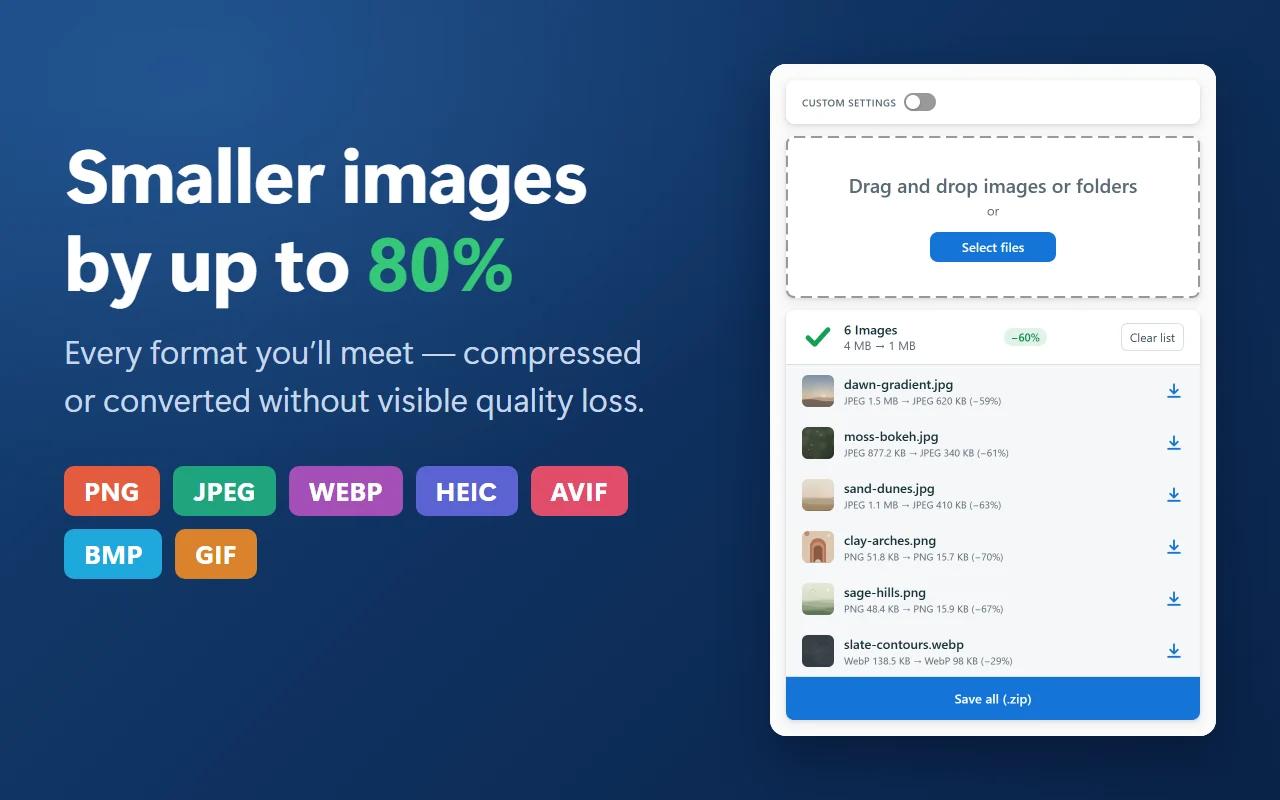
Smaller images by up to 80%: PNG, JPEG, WebP, HEIC, AVIF, BMP and GIF badges next to the panel with six photos compressed by 60%

Private by design — not another compress image online tool

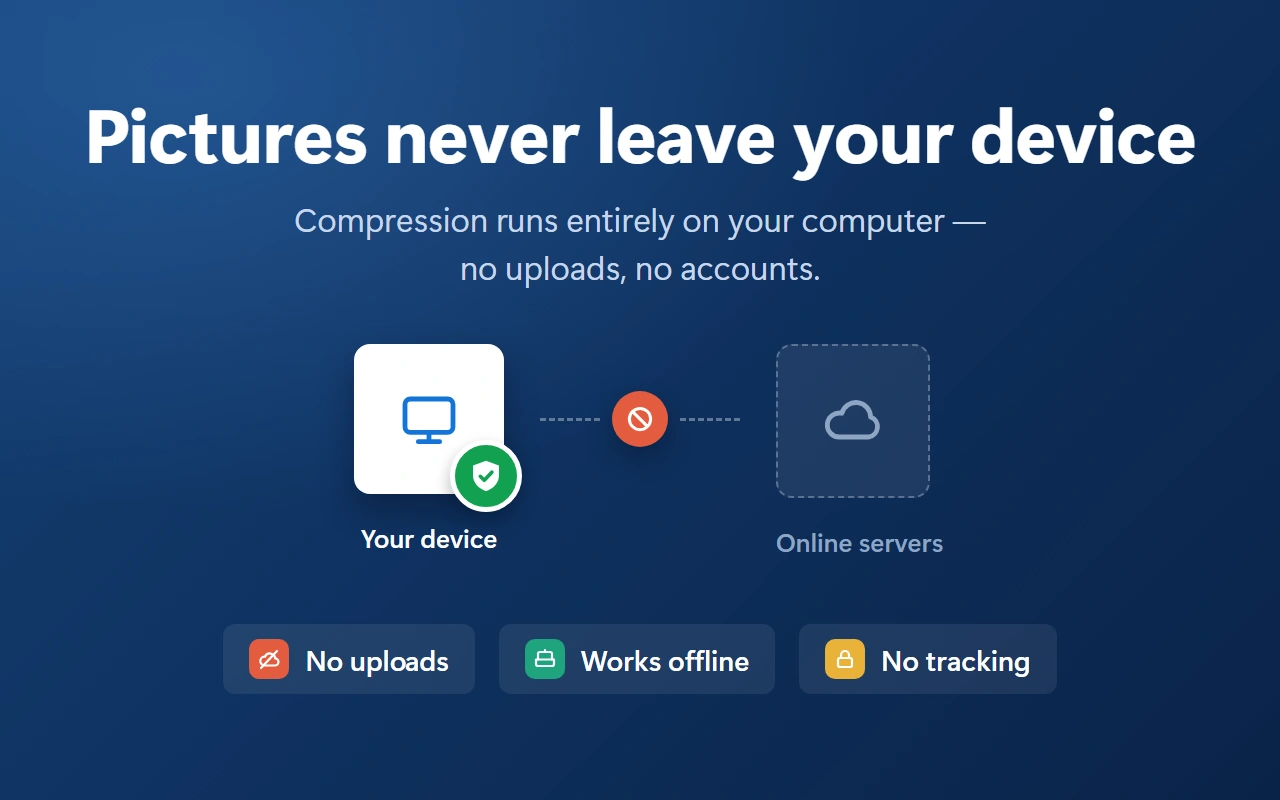
A typical online tool sends your data to some server and back; this extension does the same job fully offline. No tracking, no accounts, no network requests at all — your pictures never leave the computer, which also makes large batches surprisingly fast.

It asks for no access to websites either: the extension has no host permissions and cannot read or modify web pages. Originals are never touched — smaller copies go to Downloads.

No uploads Works offline No tracking No account
Pictures never leave your device: compression runs on your computer and the link to online servers is crossed out — no uploads, works offline, no tracking

Compress image file size across whole folders

Built for real work, not for one picture at a time:

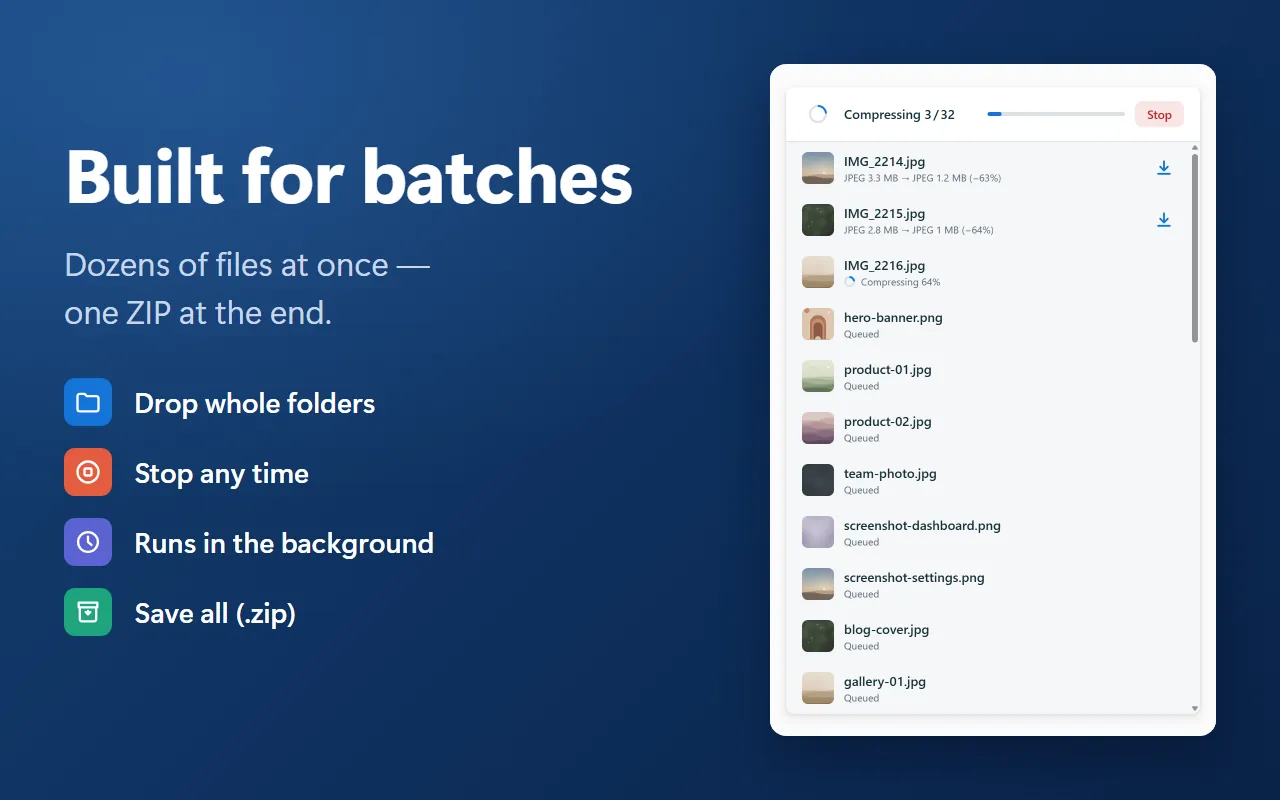
  • drop dozens of files or whole folders at once
  • no limits on the source file size — even huge photos go through
  • the queue keeps running in the background even when the panel is closed
  • live progress for every file and for the batch as a whole
  • stop any time; save everything as one ZIP
  • work in the side panel or switch to a roomy full-tab mode
Built for batches: the panel compressing 3 of 32 files with live progress, a Stop button and a queue of pending images

Keep the format or convert — and still maintain quality

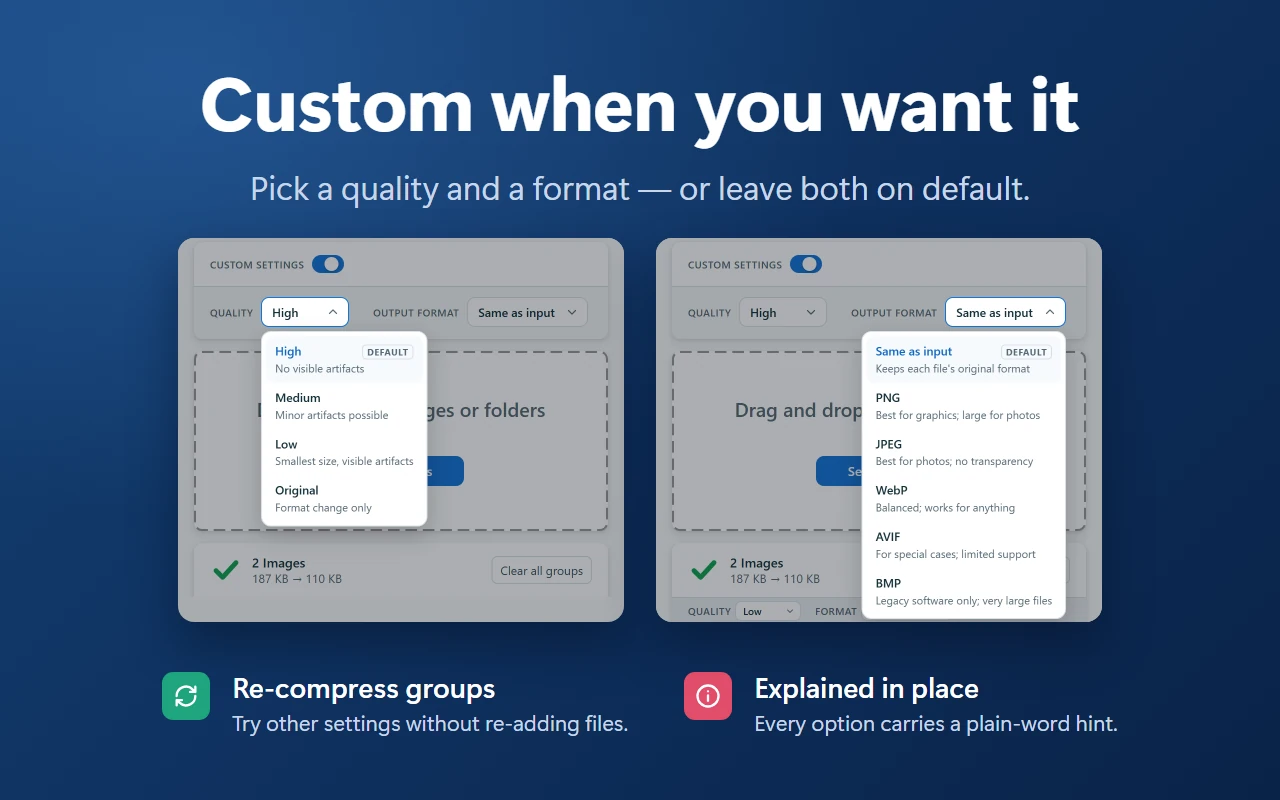
You also control the output. Keep the original format or convert between PNG, JPEG, WebP and AVIF — either way the tool will compress the image but maintain quality, stripping bulky metadata while keeping colors, edges and fine details intact.

Quality levels High, Medium and Low are auto-tuned per image; Original changes only the format. Re-run any group at another setting without re-adding the files — every option carries a plain-word hint.

Custom settings: quality High, Medium, Low or Original, and output format Same as input, PNG, JPEG, WebP, AVIF or BMP

Serious tech under the hood: jpegli, libavif and SSIMULACRA 2

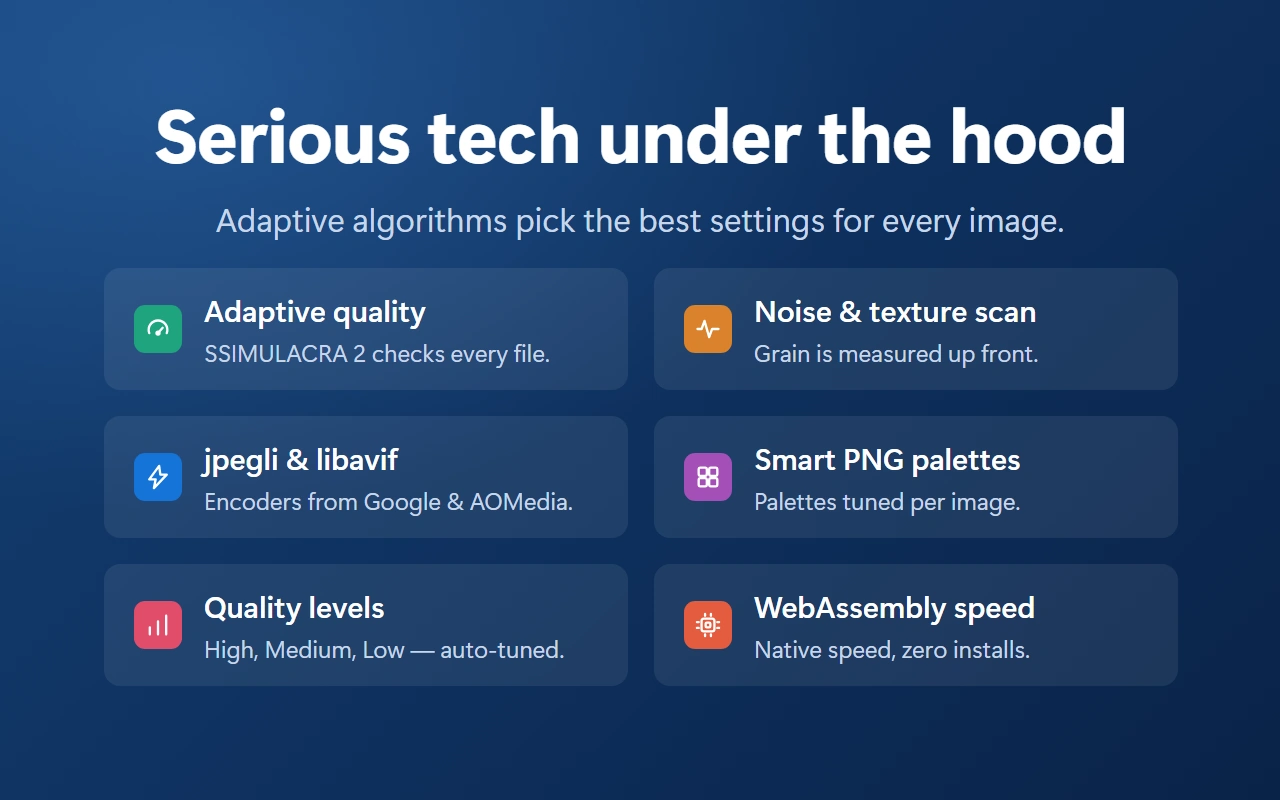
Adaptive algorithms pick the right settings every time you compress image files, so a noisy photo and a flat UI icon are never treated the same way:

  • Adaptive quality — SSIMULACRA 2 checks every file
  • Noise and texture scan — grain is measured up front
  • jpegli and libavif — encoders from Google and AOMedia
  • Smart PNG palettes — colors tuned per image
  • Quality levels — high, medium and low, auto-tuned
  • WebAssembly speed — native speed, zero installs
Serious tech under the hood: adaptive quality with SSIMULACRA 2, noise and texture scan, jpegli and libavif encoders, smart PNG palettes, quality levels and WebAssembly speed

Works on Windows, macOS, Linux and ChromeOS

Wondering how to compress an image on a Mac or on Windows? The extension runs anywhere Chrome or Edge does — macOS, Windows, Linux and ChromeOS — with the same one-click flow and no extra software to install.

Web developersfaster pages
Designerslighter mockups
Game developerslighter sprites
Studentsattachments that fit

Frequently asked questions

Is Compress Image a free tool?

Yes, the core features cost nothing and work without registration.

Can I compress photos in batches?

Sure — add as many files as you like and grab everything as one archive.

Will it compress photos taken on a phone?

Yes, ordinary phone shots are supported and usually lose half their weight.

Is there an image size limit?

There are no artificial caps; very large pictures simply take a bit longer.

Which formats does the image compressor accept?

All popular and rare formats are supported, including HEIC (iPhone photos), AVIF and the legacy BMP.

Where do I see the images compressed in this session?

Every result stays in the list until you clear it or close the browser.

Does the tool change my original files?

Never — originals stay where they are, smaller copies go to Downloads.

Ready to compress images in a couple of clicks?

Install the extension, drop your files into the panel and enjoy lighter uploads every day.